AI Didn’t Eliminate Your Workflow—It Just Exposed It

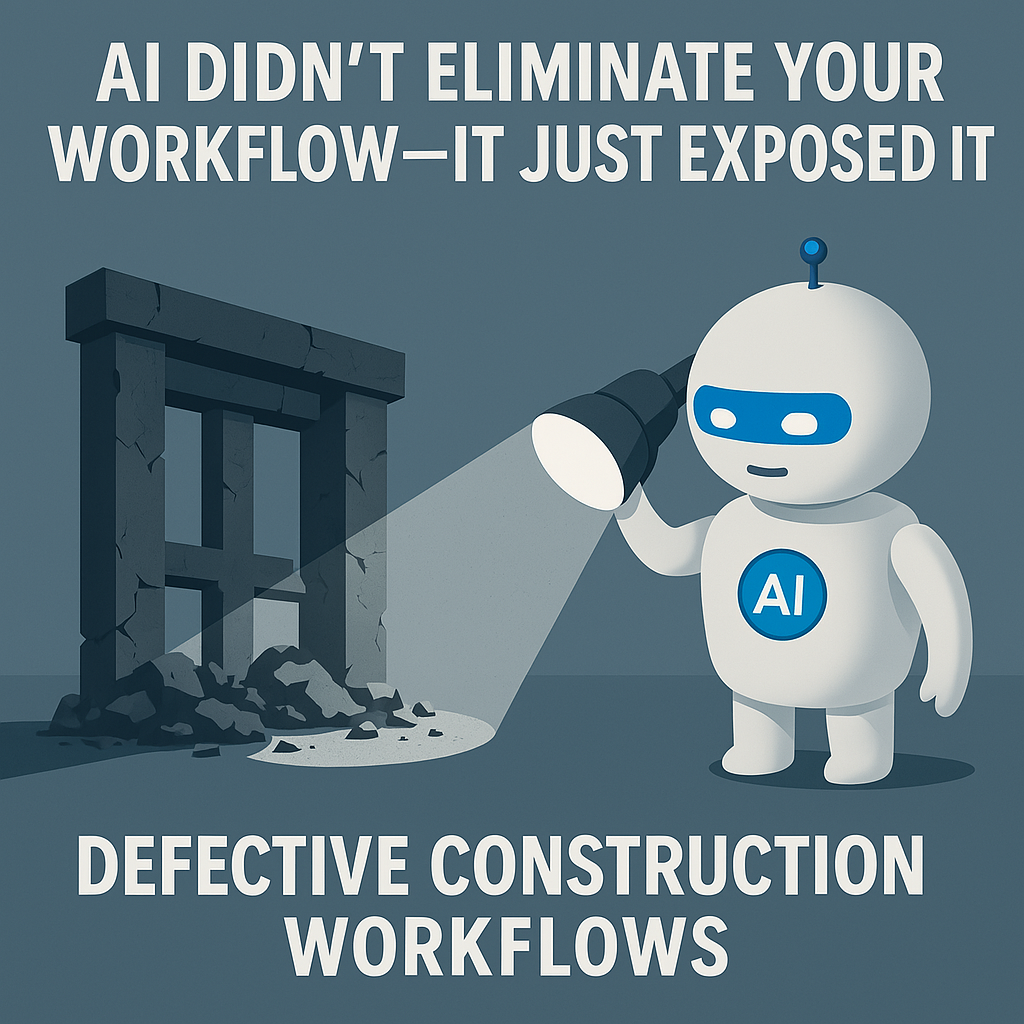
AI didn’t eliminate your workflow—it just showed how unstable the foundation was
There’s this idea floating around that AI is coming to eliminate workflows.
In construction? That’s not really what’s happening.
Most of the time, AI doesn’t destroy the process.
It just shows you that the process was already broken.
The permitting delays.
The RFIs stuck in inboxes.
The material logs that don’t sync with what’s onsite.
The job cost updates three weeks late.
AI shows up, and those issues don’t disappear—they become undeniable.
It doesn’t replace the system. It forces you to confront it.
What AI really does on a jobsite: it stress-tests your ops layer
Put AI in your document control flow.
Suddenly, every inconsistency in naming, filing, or formatting is a blocker.
Deploy AI to automate submittal tracking.
Now you realize half your deadlines are in PDF footnotes, and the “status” lives in someone’s memory.
Try AI for real-time scheduling updates.
It breaks the moment field conditions don’t match the assumptions baked into your template.
It’s not that the AI failed. It’s that the workflow never really held up under pressure.
Construction workflows often aren’t designed—they’re inherited
Most project workflows exist because:
- That’s how the last PM ran the job
- The template came from a GC five years ago
- The client added a tracker in Excel
- The superintendent likes it that way
- “That’s what the city requires”
Over time, these layers stack.
Then someone says, “Let’s automate it with AI.”
And the cracks show up immediately.
You find yourself rewriting scope summaries by hand.
Re-explaining change orders AI couldn’t classify.
Double-checking schedules AI tried to adjust based on outdated logic.
Because you automated a workflow that was never intentionally built.
It just... happened.
And now it’s exposed.
AI doesn’t fix poor structure. It reveals it
Let’s say you implement an AI assistant to help manage RFIs.
At first, it’s amazing.
Fast logging. Easy response drafts. Searchable history.
But then you realize:
- The design team isn’t consistent in tagging disciplines
- Field teams are uploading photos without notes
- RFIs are being duplicated across platforms
- And no one’s syncing the resolution back to the original drawings
So now the AI becomes just another inbox.
More output, same confusion.
That’s not an AI problem. That’s a workflow integrity problem.
AI removes the excuses we’ve leaned on for years
“We don’t have time to clean up the naming convention.”
“The crew already knows what to do.”
“We’ll fix that in the as-builts.”
“That’s handled offline.”
But the AI doesn’t know that.
It only knows what’s structured, accessible, and clear.
Everything else? It trips over.
So what used to be a hidden inefficiency becomes a visible operational fault line.
And now leadership has to face it:
Fix the process, or stop pretending the automation will solve it.
Construction systems need intentional design
You can’t duct-tape AI onto legacy operations and expect it to work.
You have to rebuild around clarity and flow.
That means:
- Reworking how information moves between field and office
- Cleaning up how subs submit docs
- Creating shared logic across platforms (Procore, P6, accounting, design)
- Tying updates back to impact (schedule, cost, owner communication)
- Reducing duplication by assigning clear ownership
This isn’t “tech stack optimization.”
It’s systems-level architecture work.
Five hard questions for your team
- Which workflows were designed, and which were copied from the last job?
- Where does your AI assistant get stuck—and why?
- If your team vanished and only the systems were left, what would fail?
- What are you automating that you haven’t fully mapped?
- If you rebuilt this workflow today, would it look anything like it does now?
AI doesn’t eliminate construction workflows—it just shows which ones need to go
If you’ve layered in AI, but nothing really improved—
If you’re still chasing down details manually—
If your project dashboard looks polished but the field is still flying blind—
It’s not a tool problem.
It’s a structure problem.
And now that AI has made the friction visible, you’ve got two options:
- Ignore it, and burn time trying to scale dysfunction
- Or rebuild the system so the tech has something solid to stand on
If you’re doing the hard work of modernizing construction workflows—not just digitizing them—I’d love to hear how you're approaching it.
This is the stuff that matters.
Gage Batten
Under Construction
How work is being rebuilt in real time